Building with AI
What happens when a designer can build? Using AI to create tools that multiply my team's impact.
01
Figma Zoom Plugin
What it does
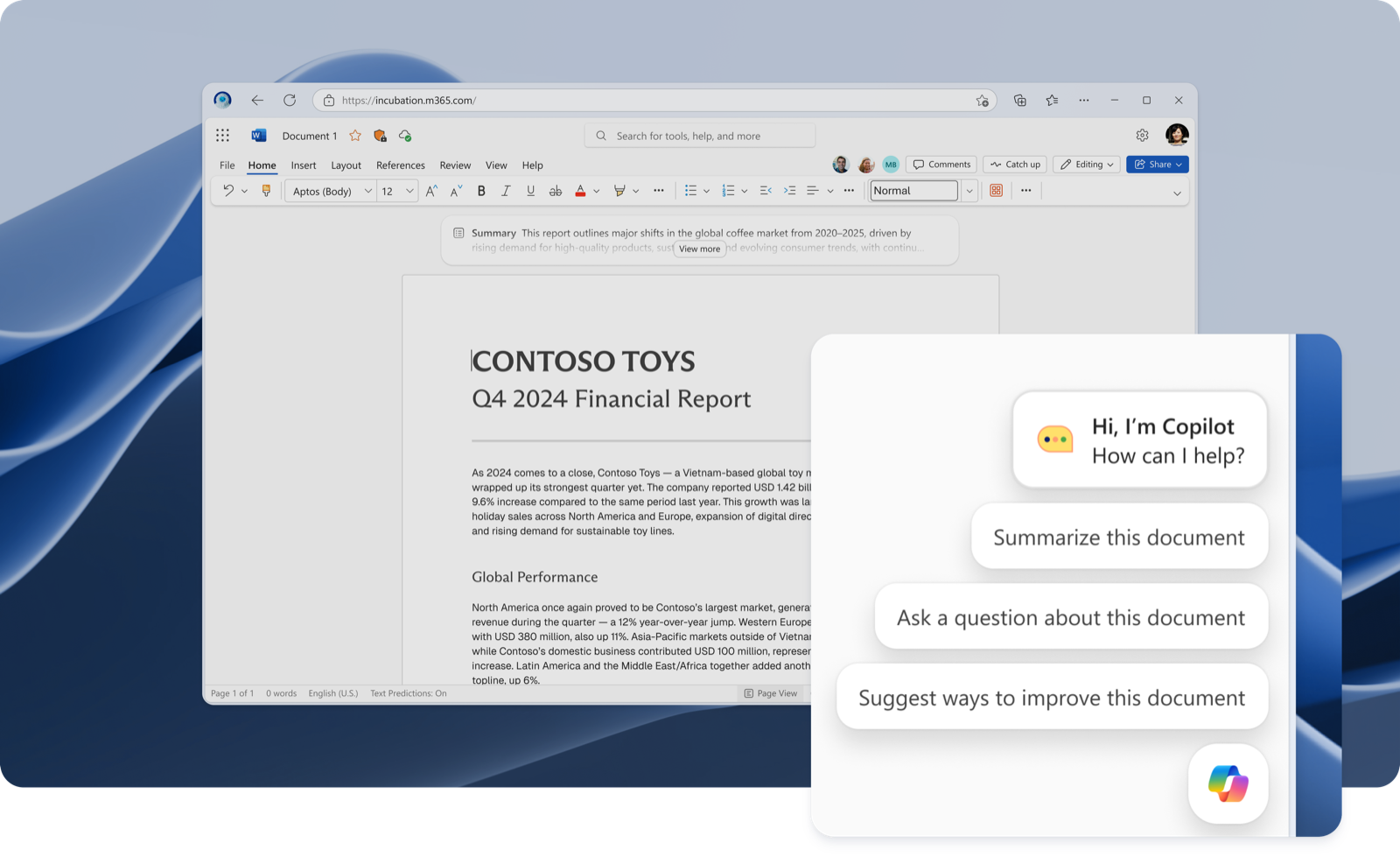
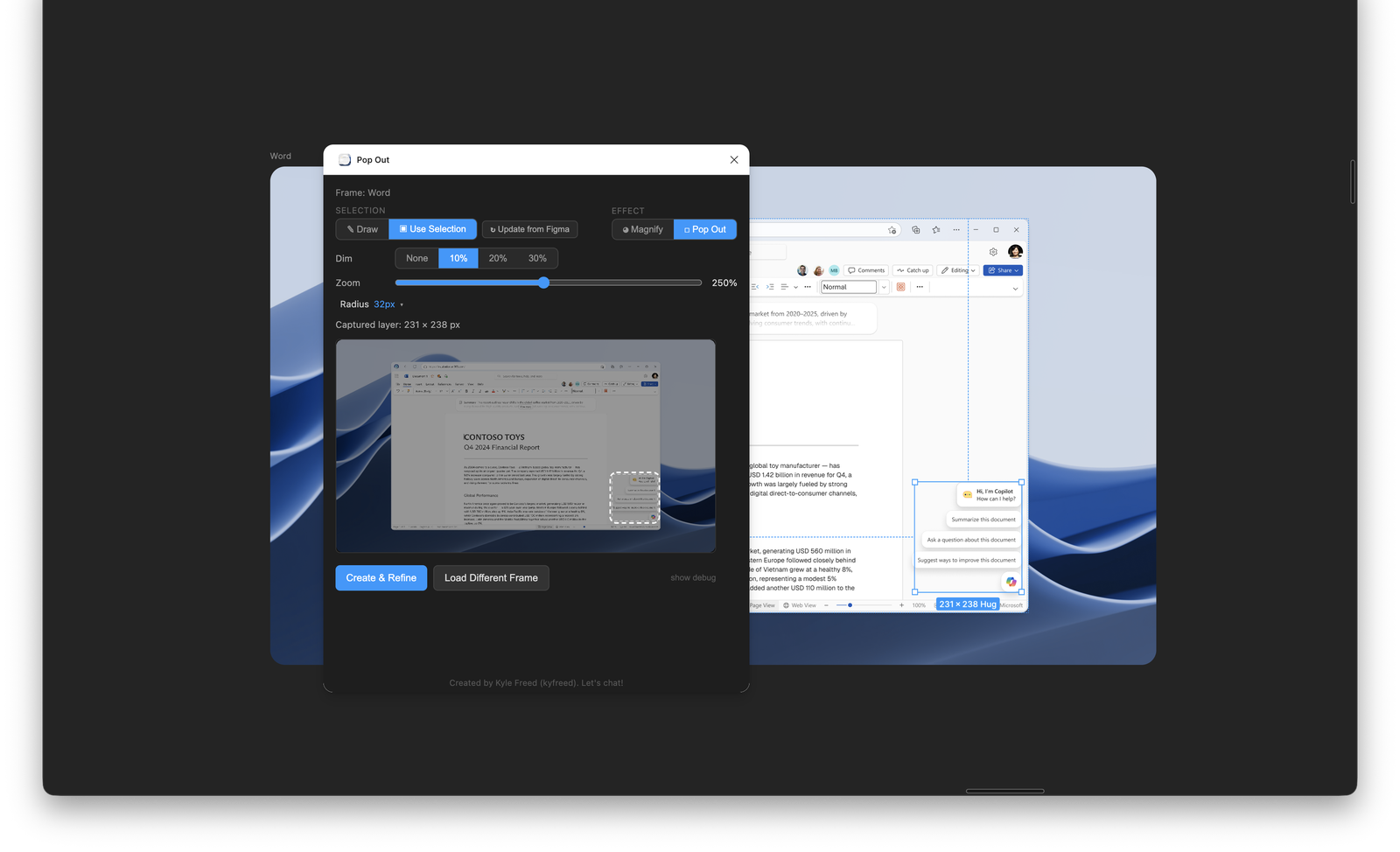
A Figma plugin that adds animated zoom effects to call out specific UI elements during leadership presentations.
Why I built it
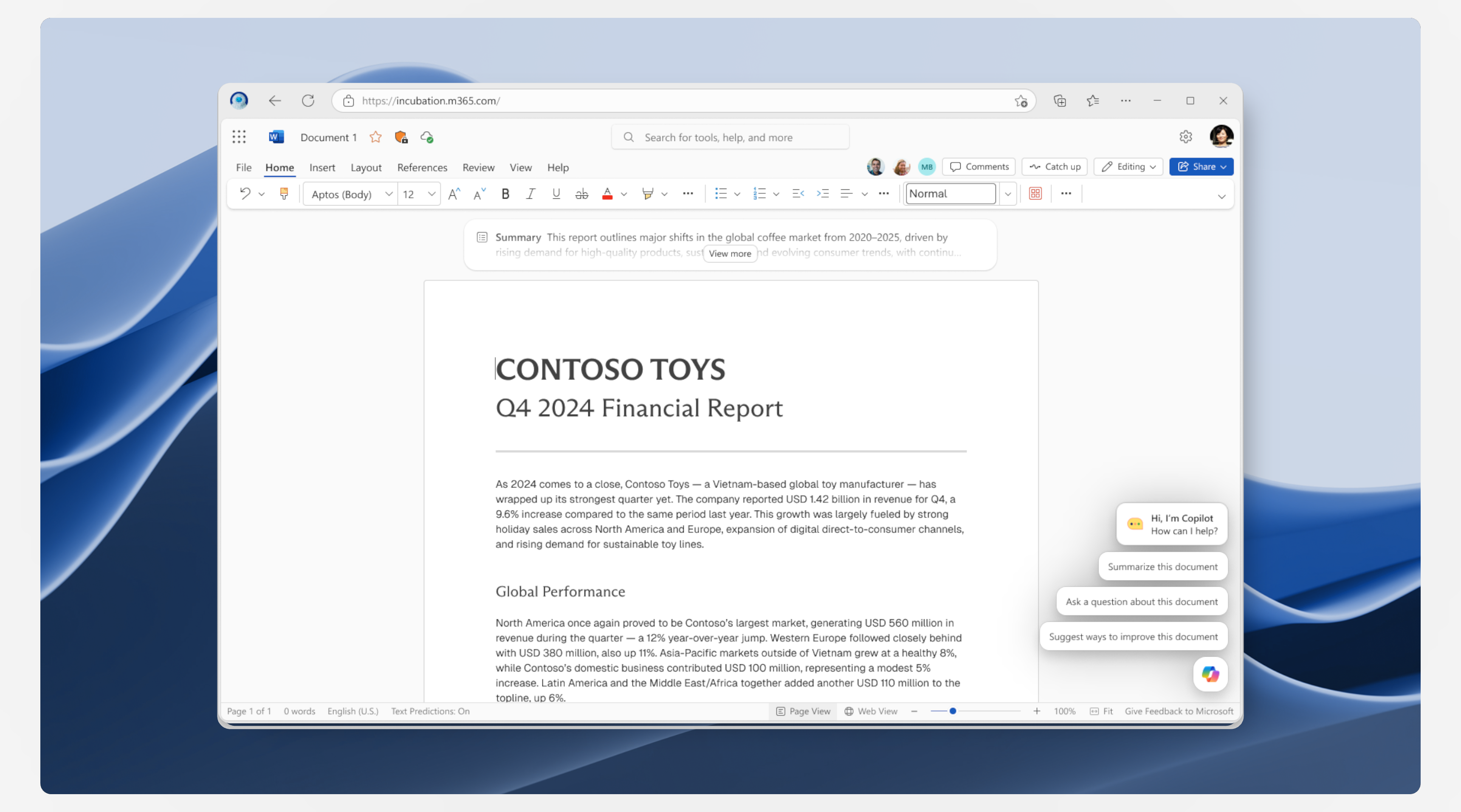
Leadership reviews often involve UI work where the context of a whole screen is important, but the discussion is around one detail. This plugin lets designers create smooth zoom-to-detail animations right in Figma, making presentations clearer and more impactful.
Who uses it
Shipped internally at Microsoft. Used by designers on the Copilot Growth team for stakeholder presentations.
02
3D Exploded UI
What it does
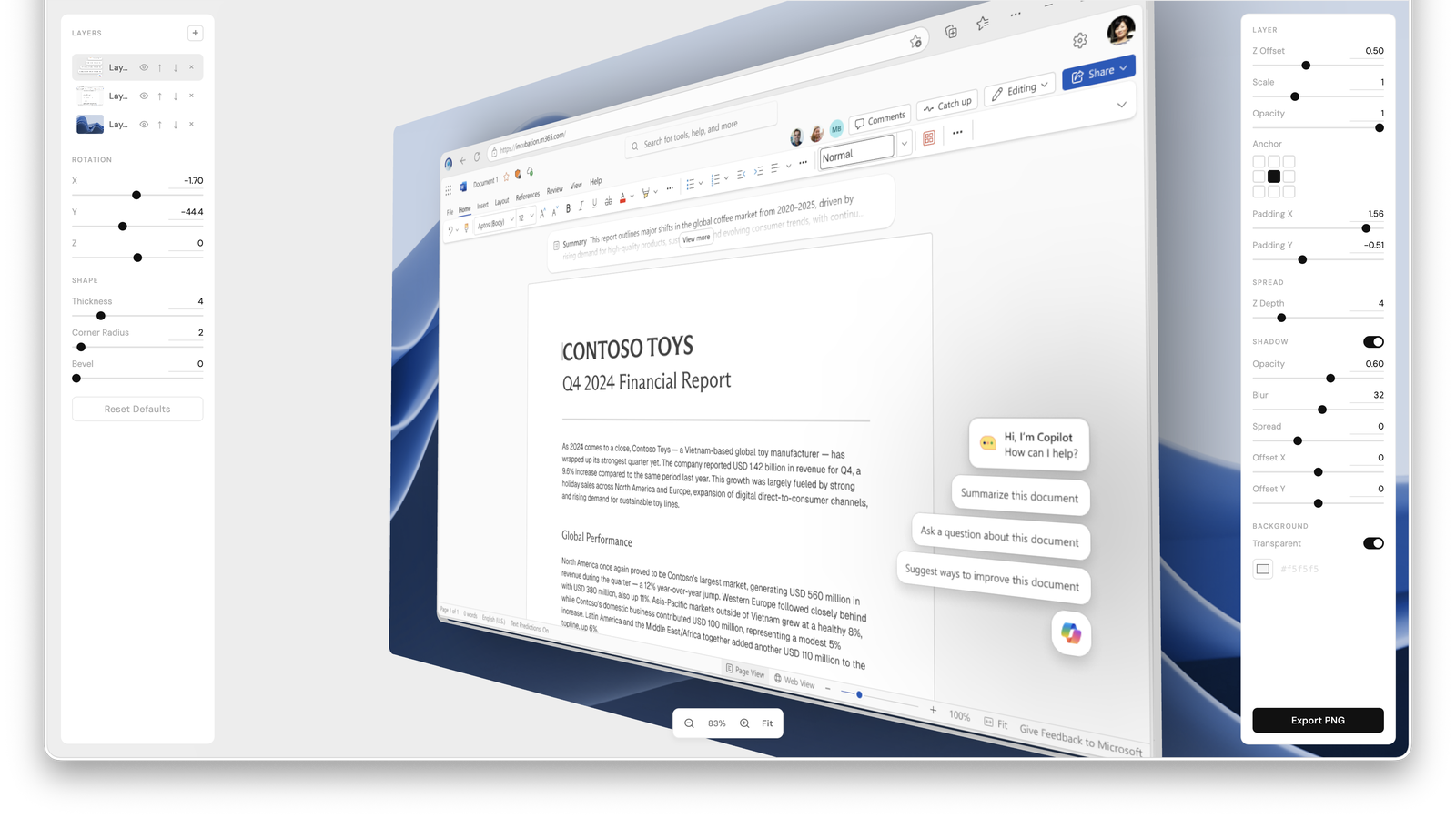
A web app that lets you create "exploded view" breakdowns of UI in 3D — like a technical drawing, but for interfaces.
Why I built it
Explaining layered UI architectures (modals over panels over dashboards) is hard in 2D. This tool lets you pull apart the layers spatially, making the information architecture visible and tangible.
How it works
Upload a screenshot, define the layers, and the tool renders them in 3D space with rotation and zoom controls.
Project reflections
What I wanted to show you
The line between designer and developer is dissolving, and I'm leaning into it. These tools aren't about proving I can code — they're about showing that AI gives designers superpowers. I can identify a team pain point and ship a solution the same week.
What I learned
Building tools for my own team gave me a deeper empathy for our users (who are also building tools for their teams). And the fastest way to get stakeholder buy-in isn't a slide deck — it's a working demo.